
Colony Flow Level 50 Answer & Walkthrough
A written step-by-step solution for Level 50, with key frames from the real playthrough and the full YouTube video.
Player not loading? Watch Level 50 on YouTube.
Picture Composition
Hello Kitty wearing headphones and playing a red electric guitar:
Yellow (35/36/10/15): background, largest area
Brown/Black (35/14): hair and guitar outline
White (38/40): face
Red (40): bow + electric guitar
Blue (35/40): outfit; Green/Orange: headphone details
Removal Order
For a character, clear the background first, then peel from the outer outline inward:
Yellow background (35, 36, 10, 15): it fills the edges — clear the perimeter to expose the character silhouette.
Brown/Black outline (35, 14): hair and guitar outline cover the interior — second.
Red guitar + bow (40): once the outline is gone red appears in blocks.
Blue outfit (35, 40).
White face (38, 40): the face is centered and surrounded by hair/headphones — remove last.
Key Frames
| File | Time | Content |
|---|---|---|
| f_001.png | 0s | Full Kitty, all 4 tools unlocked |
| f_022.png | mid | Background cleared, character half dismantled |
| f_044.png | end | Level complete |
Tips
From Level 50 the four tools are fixed at the bottom (Undo, Lightning, Magnet, Eraser); when jammed, use the Magnet to pull one color first.
For character pictures the "outline color" always covers the "fill color" — don't reverse the order.
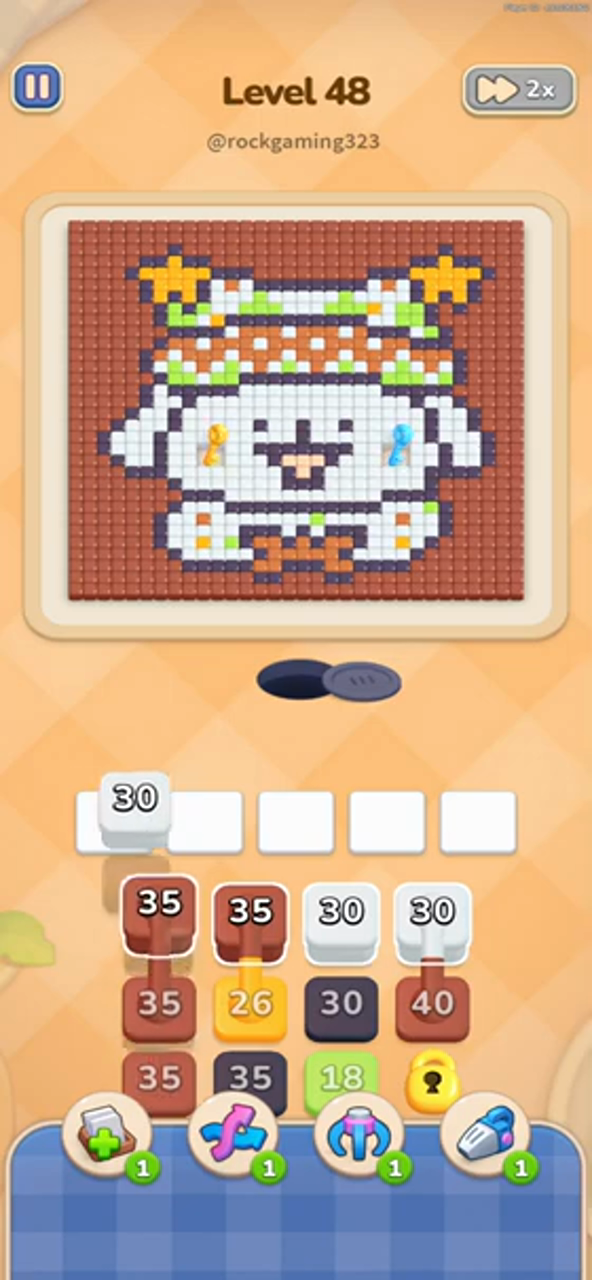
Key Frames for Level 50
Every step of the solve, in order — the mosaic fills in top to bottom as each colour is carried over.




Colony Flow Level 50 FAQ
How do you beat Colony Flow Level 50?
Watch the embedded 2:12 video and follow the written walkthrough on this page: clear the outer layer first in one batch, then move to the next exposed color, working from the outside inward until the picture is empty.
What is the solution to Colony Flow Level 50?
This page gives a step-by-step written removal order with key frames from the real playthrough, plus the YouTube video. Work through each section in order — the outer ring, the middle layers, and the center.
How long is the Colony Flow Level 50 walkthrough video?
The Level 50 walkthrough runs 2:12. The written guide on this page covers the same layer order step by step if you prefer reading.
Is Colony Flow Level 50 hard?
Level 50 is a regular level — clear the outer ring, then the body, then the center.
Adjacent Levels



Stuck on another Colony Flow level?
Every one of the 545 levels has a written solution and a video walkthrough.